Tagboard is an Emmy-nominated audience experience platform designed to help storytellers in sports, news, and entertainment produce the most engaging content in the world with a fraction of the resources required by traditional graphics systems.
Less hardware More storytelling
Drastically reduce the resources and complexity required to bring live content to any screen, and do it from anywhere.
Things that we’re producing are every bit as good as using a big control room with a very robust staff. And we’re doing it with a fraction of the people at a fraction of the cost.
Dominate distractions Engage everyone
Leverage a full suite of interactive tools to create memorable experiences that keep your audiences engaged longer and sharing wider.
Tagboard has taken our live production to a new level. We’re moving beyond viewership to participation.
Unleash your sponsorship unicorn
100X your initial investment through unique branded activations that go beyond another logo slap and produce cross-channel advertising packages – monetize those eyes.
In sponsorship, there are certain things that you can do that will make you 100x what they cost. For us, Tagboard is at that level
Who is Tagboard for
Your ticket to producing championship content
Fan the flames on audience engagement: Create memorable fan experiences with a full suite of interactive tools that turn any screen into a two-way communication device
Gameplan year-round content: Leverage existing resources to launch new productions across linear, digital, OTT, FAST, and more without drowning teams in upfront costs and complexity
Score big with new sponsorship opportunities: Create unique cross-channel advertising packages and unlock new production channels

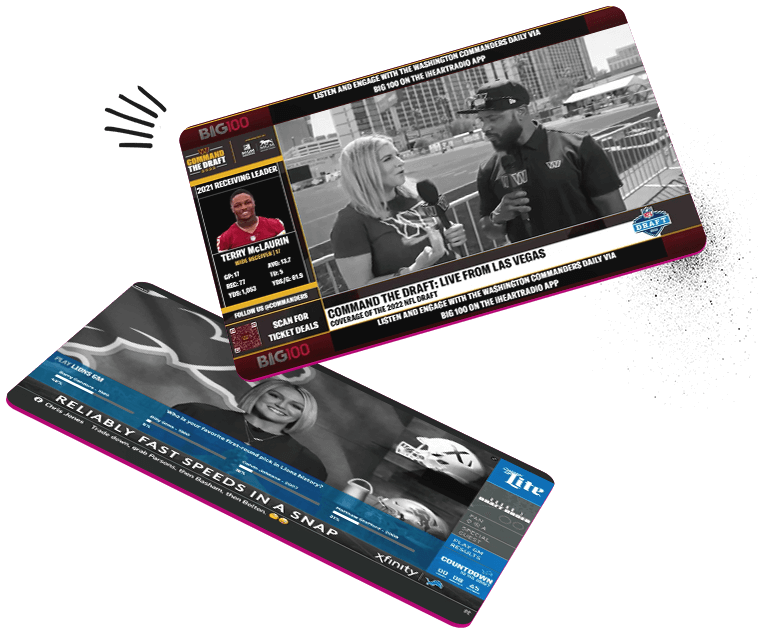
Time to shake up the rundown
Primetime audience engagement: Leverage QR codes, interactive polls, heatmaps, and more to keep your audience engaged and loyal.
Be the first to break news: Curate across the richest sources of digital content and bring the voice of your viewers to air in seconds.
Reveal your sources: Launch new channels across linear, digital, OTT, FAST, and more while growing sponsorship opportunities overnight with your existing resources
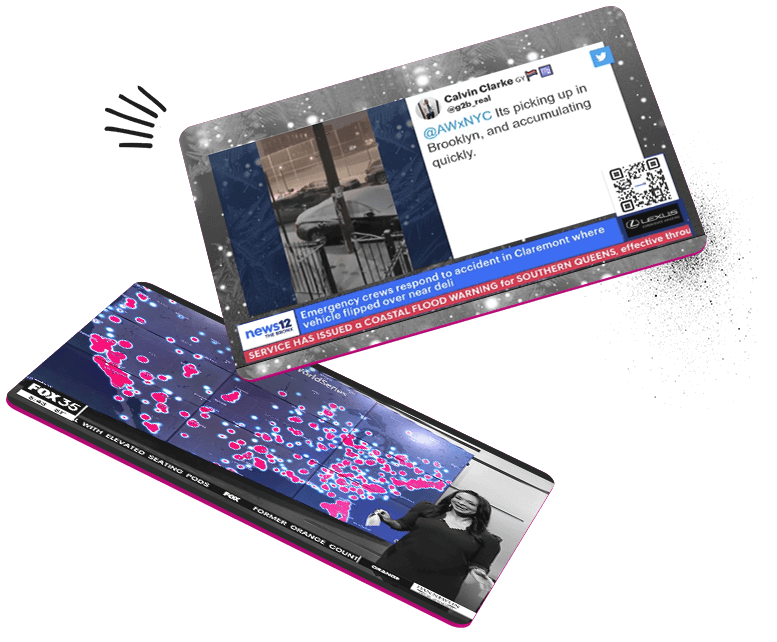
Take action on award-winning content
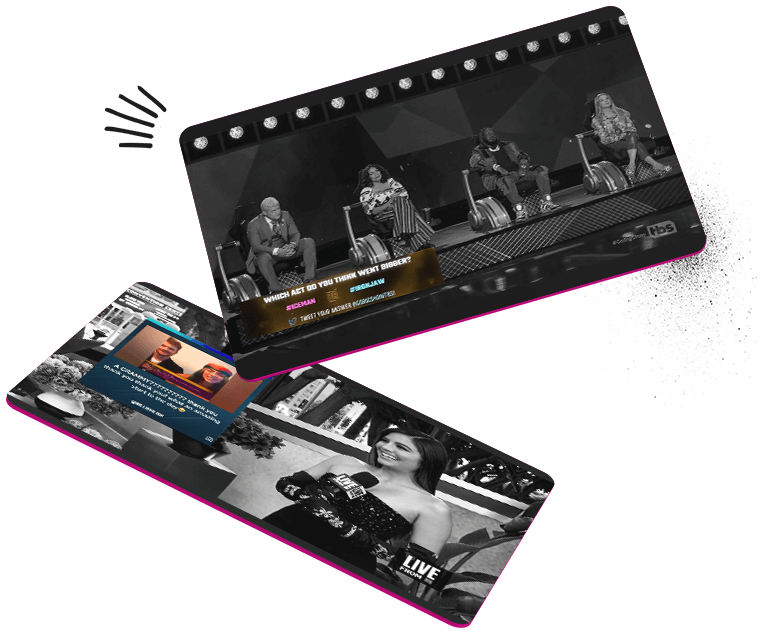
Shine the spotlight on engagement: Make any screen a two-way communication device with a full cast of interactive tools like QR codes, and interactive polls
Star-studded storytelling: Capture reactions to viral moments as they happen with access to the richest sources of digital content in real-time
Best-in-show branded activations: Introduce new sponsorship packages that bring brands into your productions in unique ways that truly connect with your audience
Your content foundation to engage every generation
Leave the logoslap behind: Produce unique campaigns that truly engage your audience in a seamless experience
Stream with any team: Lean into lightweight production and launch new channels (linear, digital, OTT, FAST) and sponsorship opportunities without upfront costs and complexity
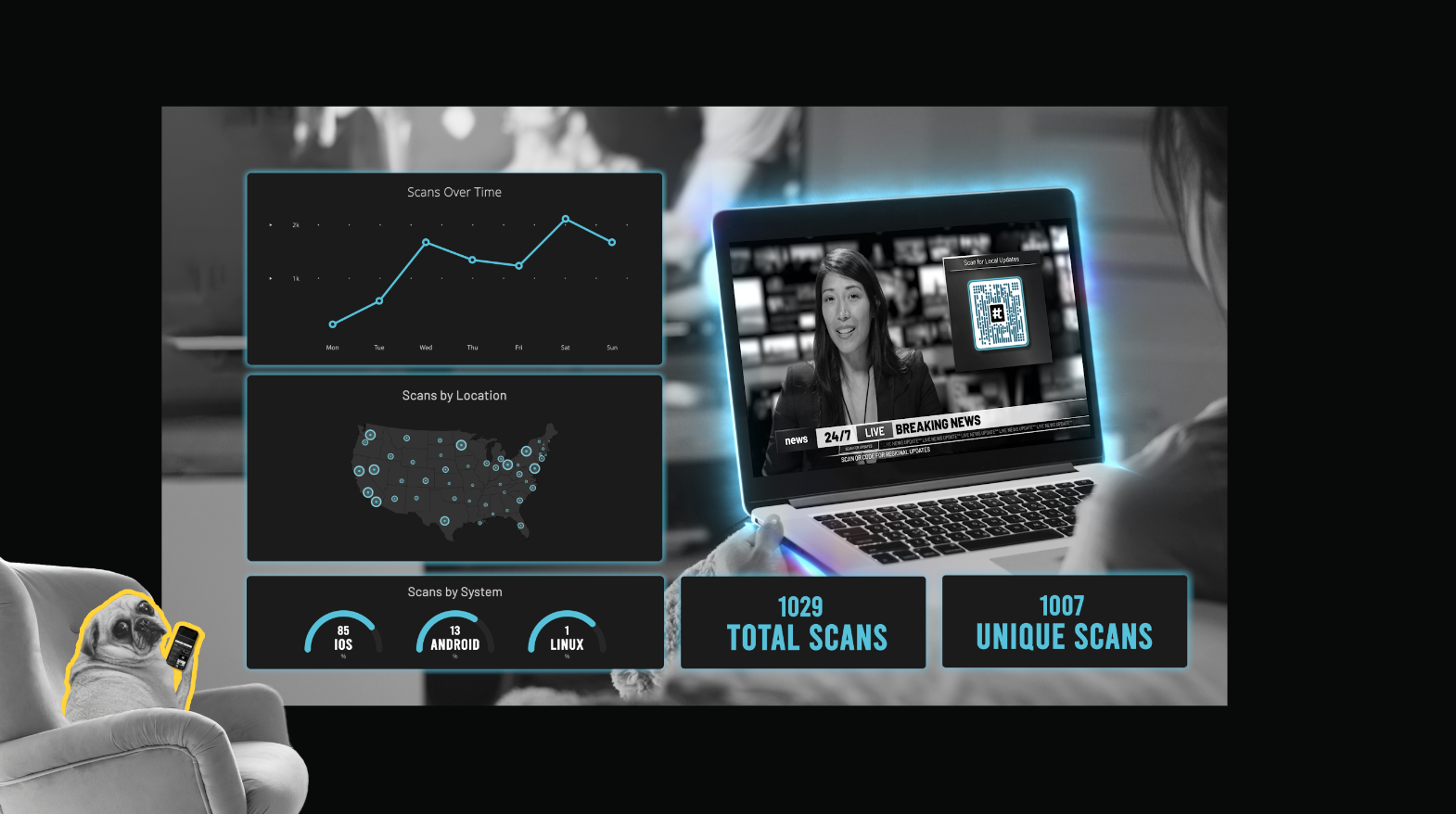
See heROIc Returns: Real-time graphics analytics that measures engagement directly from the source
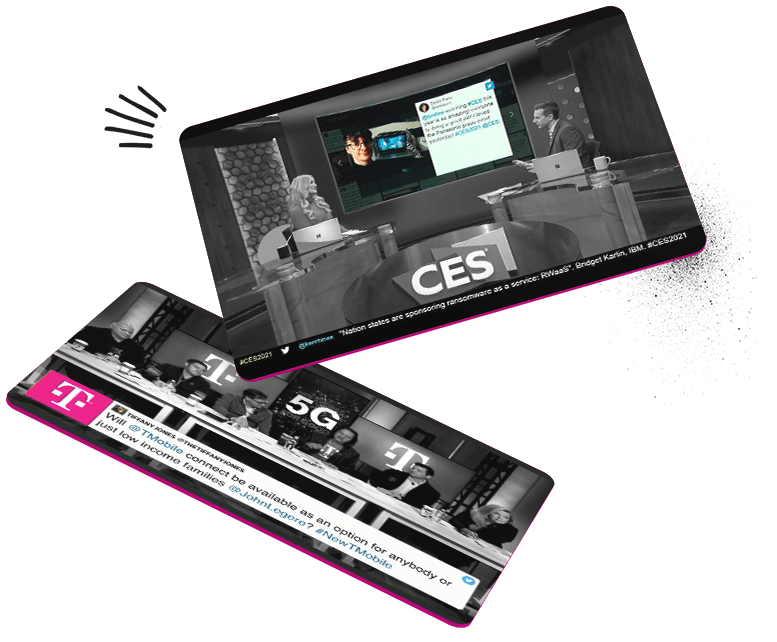
Crank up the volume on your audience experience
Turn on the lightweight productions: Create fast & lean production workflows with an intuitive platform that doesn’t require years of broadcast background
Engagement deserving of an encore: Evolve your live show into living programming through an interactive set headlined by QR codes and interactive polls
Showstopping sponsorship integration: Measure sponsor ROI with access to real-time graphics analytics and achieve a better understanding of your audience
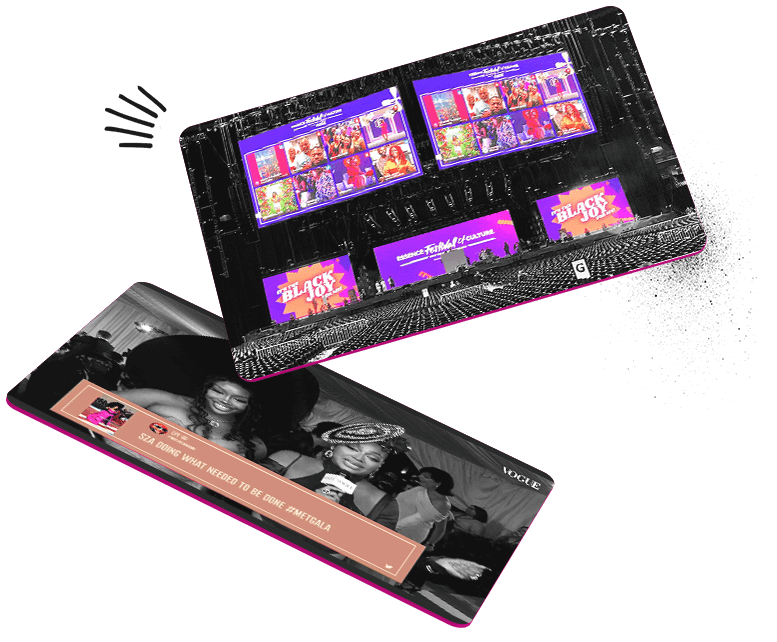
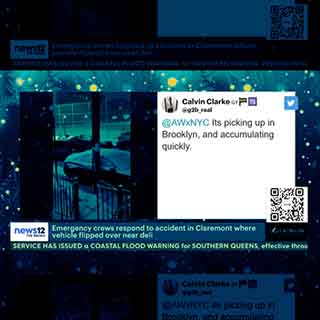
“Tagboard has been a linchpin in allowing our teams across various platforms to work together. The synergy has been created because of the tools and technology that Tagboard has allowed us to use and has offered.”
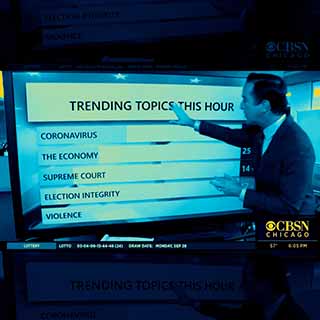
“It becomes the way we cover something because we know that we’ll be integrating Tagboard in the product itself and into the show itself. And we’re also able to have people’s posts on right away. Immediately.”
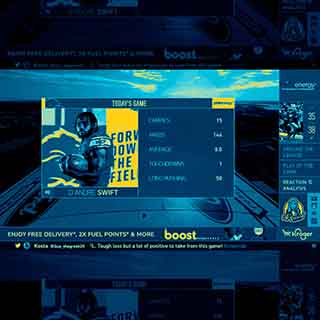
Accomplishing tasks that we’ve executed in the past have become much more dynamic and efficient.
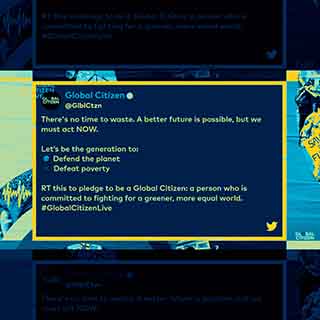
“Tagboard helped us really tie together our social and the broadcast.”
Need ideas? The Production Playbook
Quick solutions to engaging the most distracted audience the world has ever seen
Download now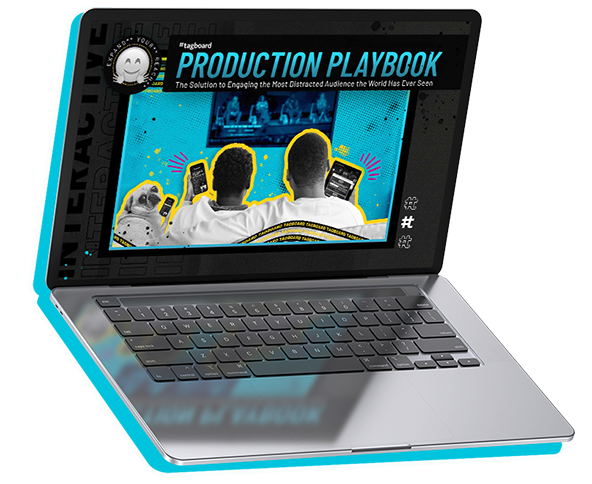
We work with 300+ of the world's largest media companies
See why
Latest News
Stories about our clients, our team, and the industries we support.Tagboard Adds Adobe & AWS Integrations
Delivering the world’s most efficient cloud graphics workflow
-
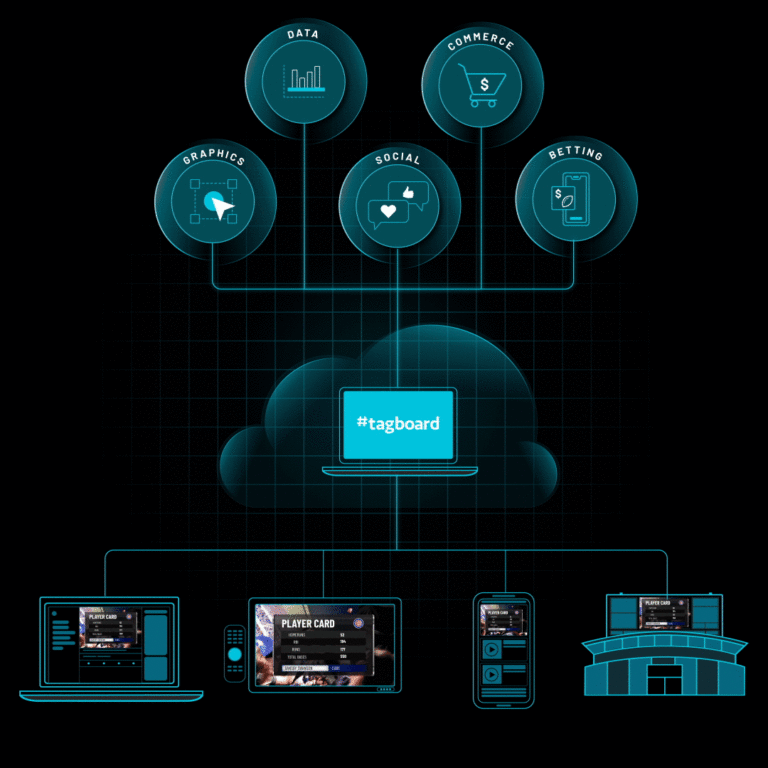
Tagboard Launches Next-Generation Graphics Ushering in New Era of Efficiency, Monetization, and AI for Media and Entertainment
Platform upgrades bolstered by AWS and Adobe technology features Fanatics Shoppable Graphics, pick-and-click Sportradar data graphics, and more Today, Tagboard,…
-
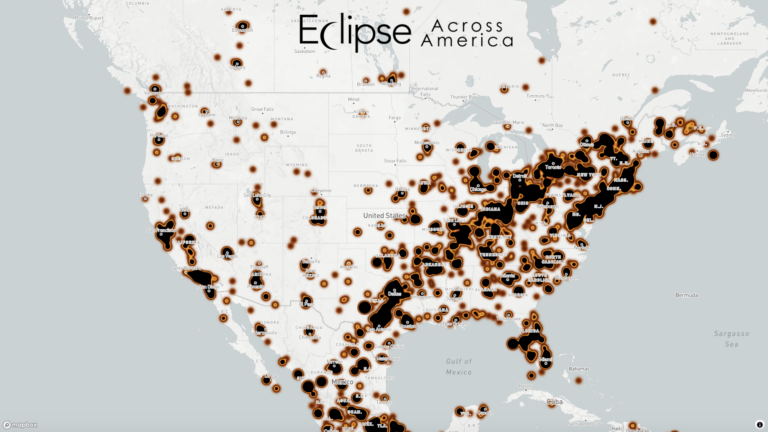
Celebrating spectacular interactive solar eclipse coverage by News Stations
The solar eclipse captured the imagination of millions across the country, and local news stations went above and beyond to…
-
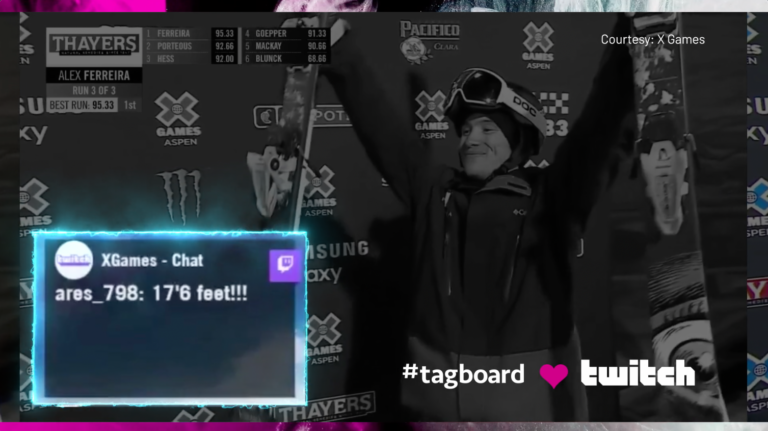
Tagboard’s newly released Twitch integration goes big on X Games broadcast & Riot Games streams
Anyone who’s viewed live content on Twitch has seen the power of the chat. When big moments happen on stream,…
-
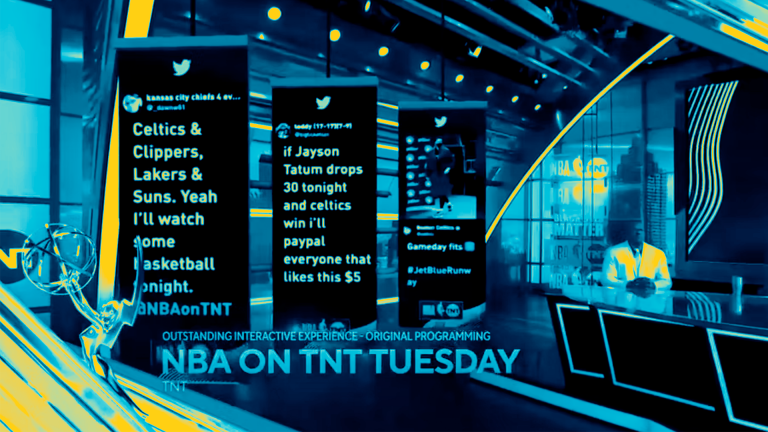
Dynasty Talk: Turner Sports Stacks Emmy Wins for Outstanding Interactive Experience
Outstanding Interactive Experience As the NBA Finals get started, there’s a lot of dynasty talk. We’re here to recognize that…
-
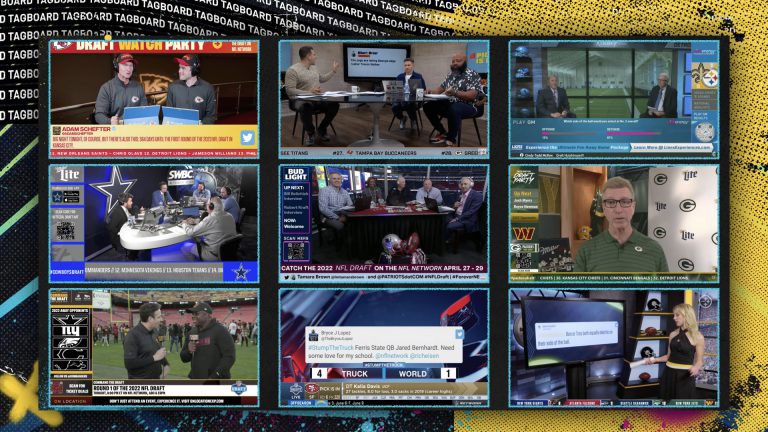
We Rate Productions: NFL Draft Edition
The world of live video production is often chaotic and unpredictable, and the NFL Draft is a marquee example of…
-
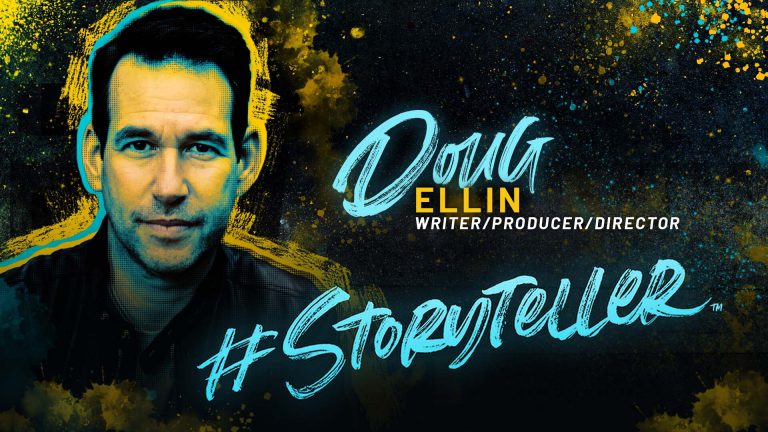
Victory! Doug Ellin, creator of HBO’s Entourage, Delivers 30 Years of Knowledge on Storytelling
His storytelling earned HBO’s hit TV series Entourage 4 straight Emmy nominations, and now Doug Ellin is back in his…