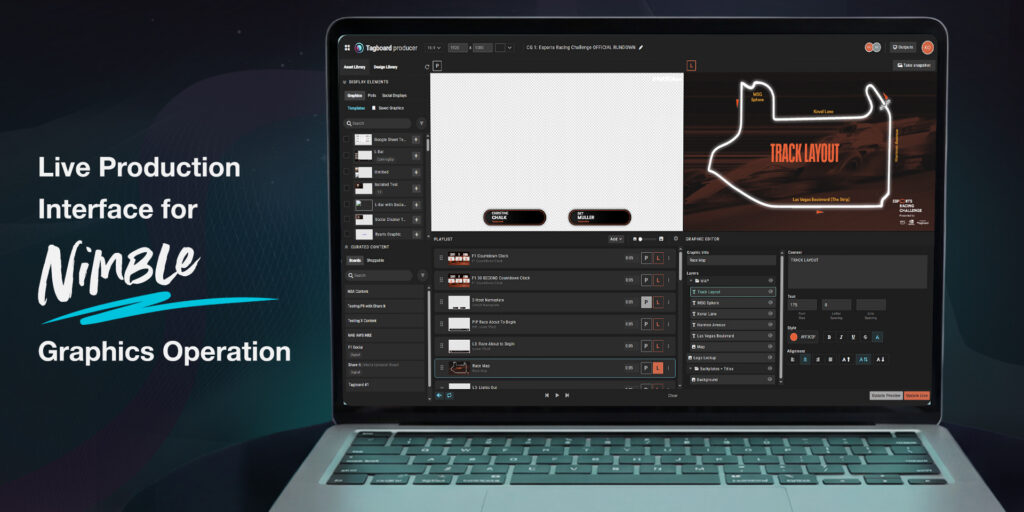
The push for more content has changed the job. One person is now switching cameras, riding audio, and firing graphics all at once. Multiple systems, no extra hands, and no pause button.
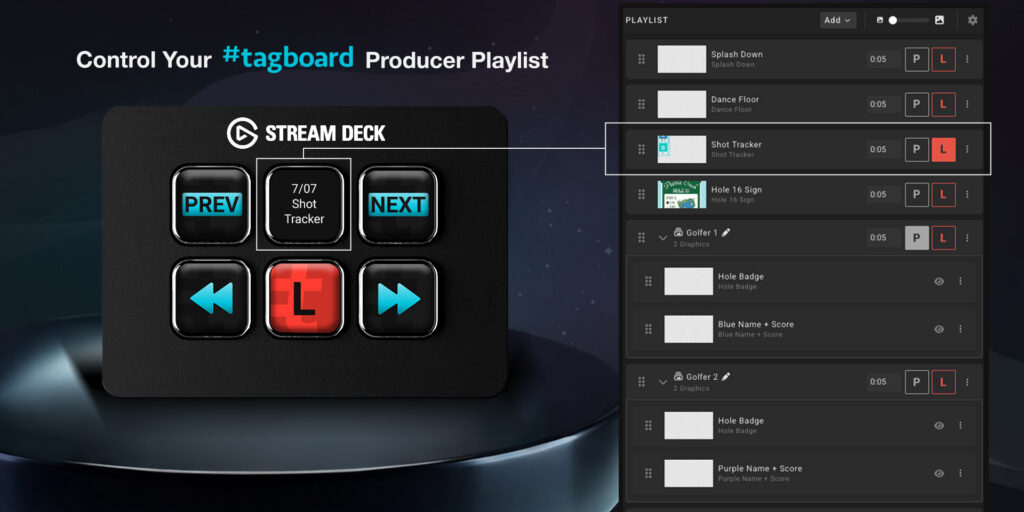
We are making that juggle much easier. Today, we are launching the Producer API: an open interface that maps key commands in Tagboard’s live production environment so it can be triggered from anywhere, on any device. The rule is simple. If an action lives on your Tagboard Producer playlist, you can map it to any system with API access, giving developers the freedom to build custom integrations.
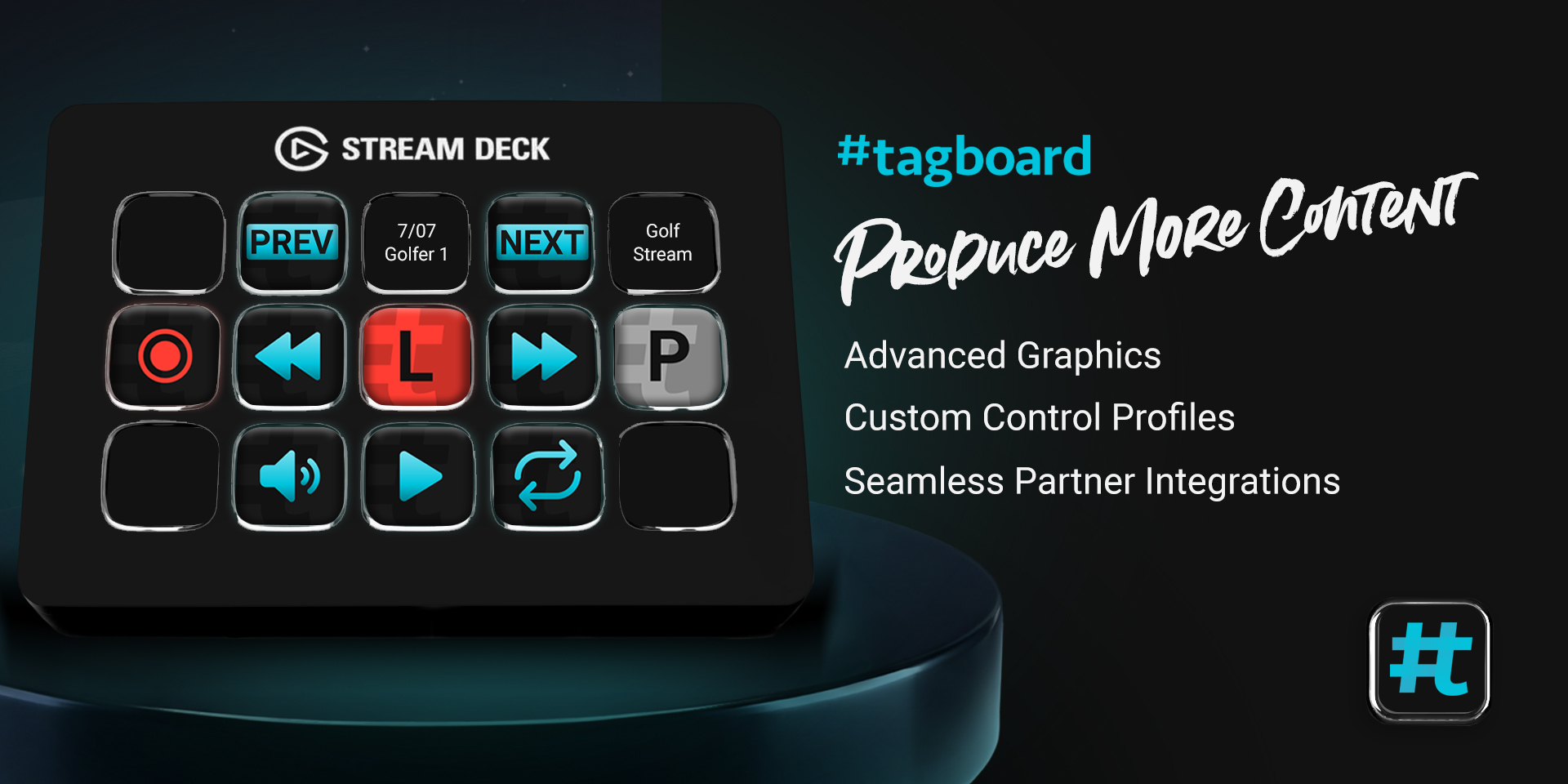
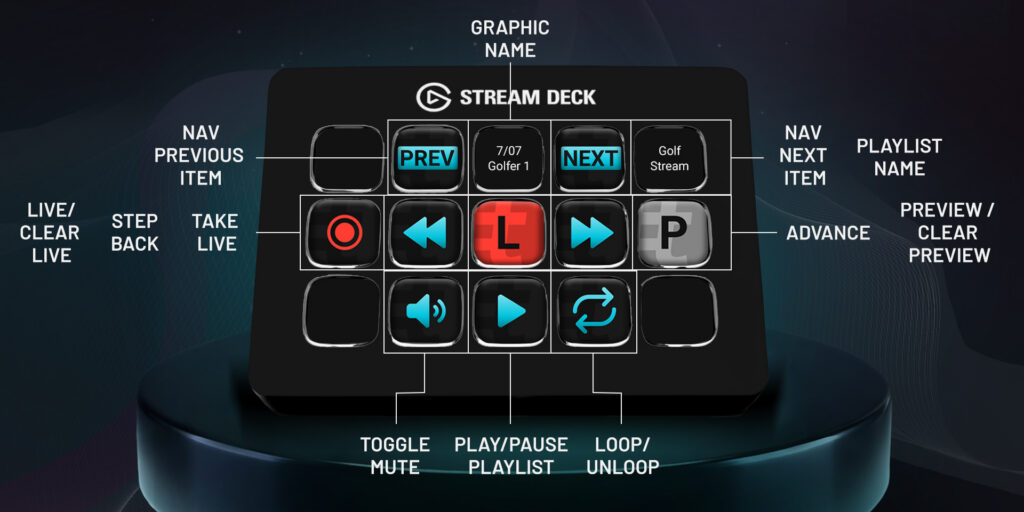
Our first integration is live today: Elgato’s Stream Deck. You can grab the Tagboard Producer plugin right now in the Elgato Marketplace, supporting both physical and virtual decks. Stream Deck is already a staple in control rooms, studios, and home setups worldwide. Now, your Tagboard real-time graphics can sit right next to the physical buttons that already power your show, alongside your camera switching and audio toggles.
“Live production teams are being asked to do more with fewer people, and the tools they rely on need to work together. The Producer API makes that possible,” said Marty Roberts, Tagboard CEO. “ By opening up Tagboard as a real-time graphics system, we let our partners bring their best thinking to the integration. Stream Deck is just the start.”
We built this specifically for the producer who is also playing the role of technical director, audio engineer, and graphics operator. That is the reality of live content creation today. Every command you assign to a physical key is one less window to switch between and one less click to hunt for in a high-stakes live moment.
The Tagboard plugin is available today in the Elgato Marketplace. Setup takes just a couple of clicks: install the plugin, connect your Tagboard account, and drag Producer commands onto any key. You can be flying graphics (step-by-step guide) from your deck before your next show hits the air.