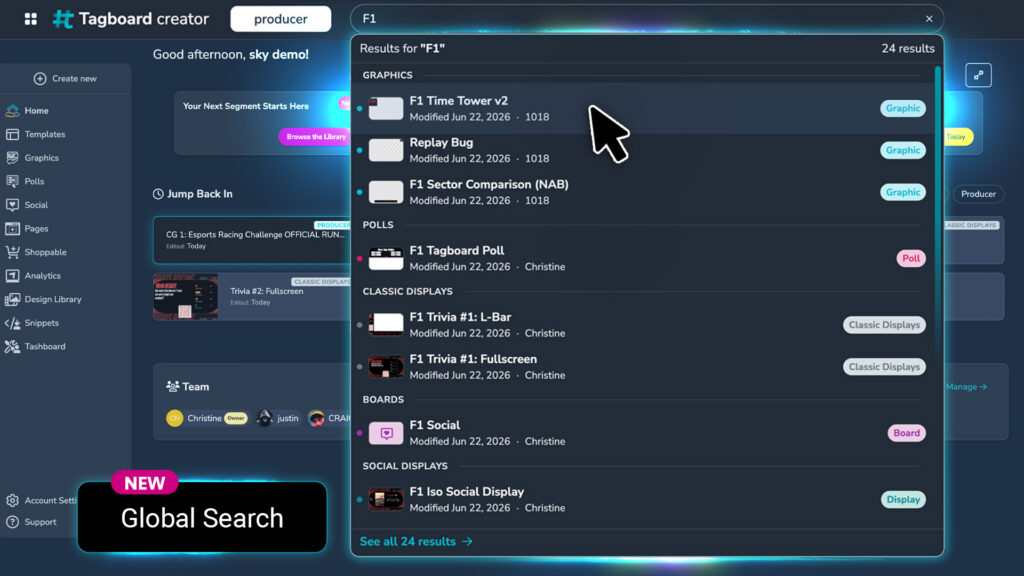
Every producer knows the moment. You’re live in 10 minutes. Your show is about to go on air. You need that graphic, that poll, that board. You know you built it. You know it exists somewhere in your Tagboard account. But where?
If you’ve ever found yourself switching between tabs, digging through your asset types, or asking a colleague “do you remember what we called that thing?” then you know what we’re talking about. And honestly, you shouldn’t have had to ask. Global search should have been table stakes from the start.
It is now.
See What You Want. When You Want It.
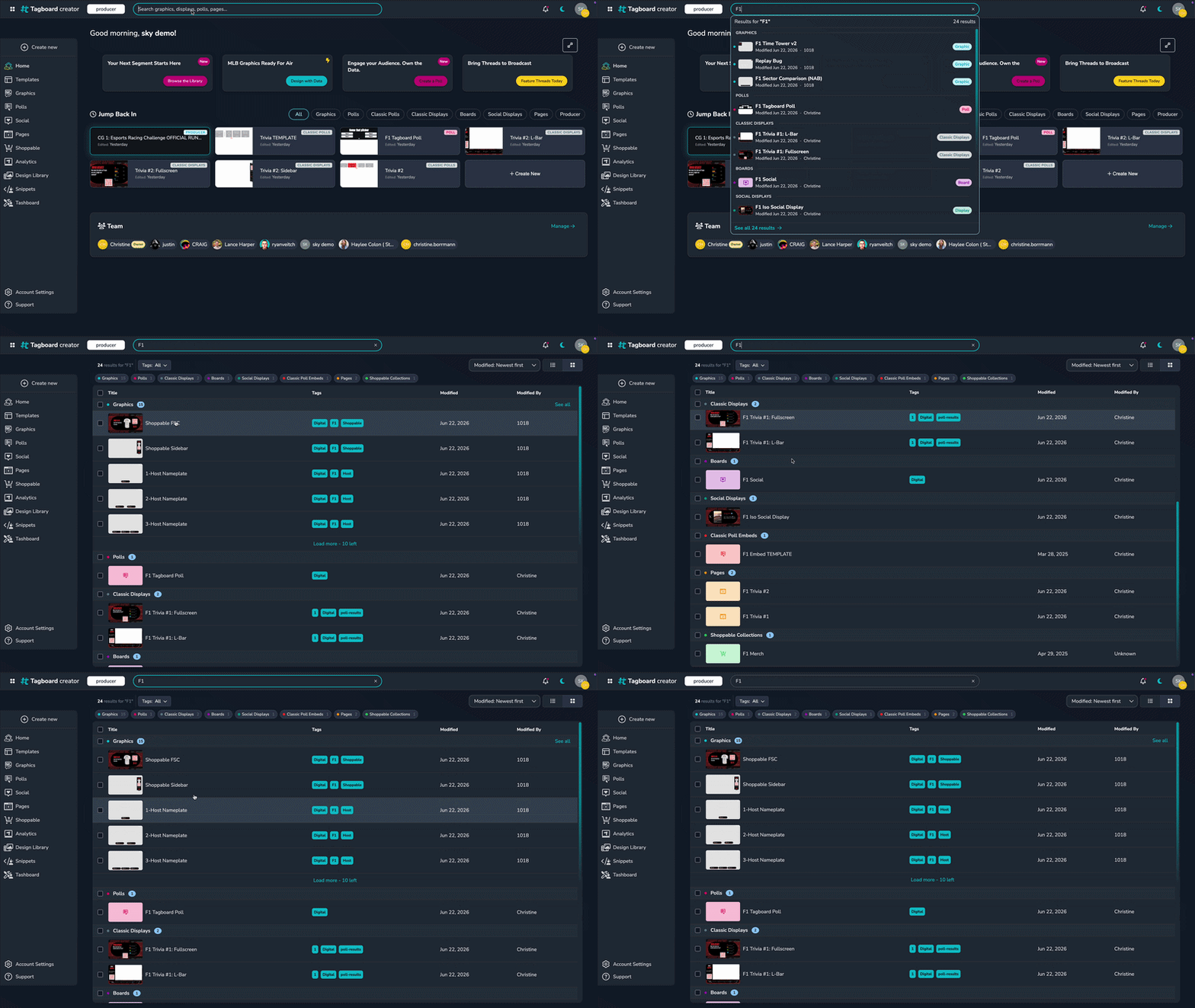
Global Search does what it should have always done. Type a name, hit Enter, and see every relevant asset across your entire account in one place. Graphics, polls, boards, social displays, embeds. All the types. One search bar. No friction.
Here’s what that means on a Tuesday at 4:47 PM when your producer says, “I need a graphic showing last night’s stats”:
Before: Navigate to Graphics. Scroll through tabs. Maybe switch to Boards. Search the Assets panel. Fifteen minutes of friction.
After: Search “stats.” See the graphic (and the board, and the related poll) in one unified list. Click. Done. Seconds, not minutes.
No more hunting. No more switching between type views. Search the way you’d expect to search.
Pro Tip: You can even bookmark your search in your browser. Search once, bookmark it, and go back to that view any time you need it.
Best Practice: Be Precise with Titles and Tags
Global Search works best when your assets are easy to find. That means:
- Use consistent naming. If your show is called “Around the League,” use that in your asset titles. Search for “Around the League” and watch every single piece of content for that show appear at once.
- Tag strategically. Tags are your superpowers. Tag by show, by producer, by date, by purpose. The more thoughtfully tagged your assets are, the more powerful your searches become.
- Think like you’re searching. When you name and tag something, imagine yourself in crunch mode six months from now trying to find it. Would that name make sense to future-you? If yes, you’re golden.
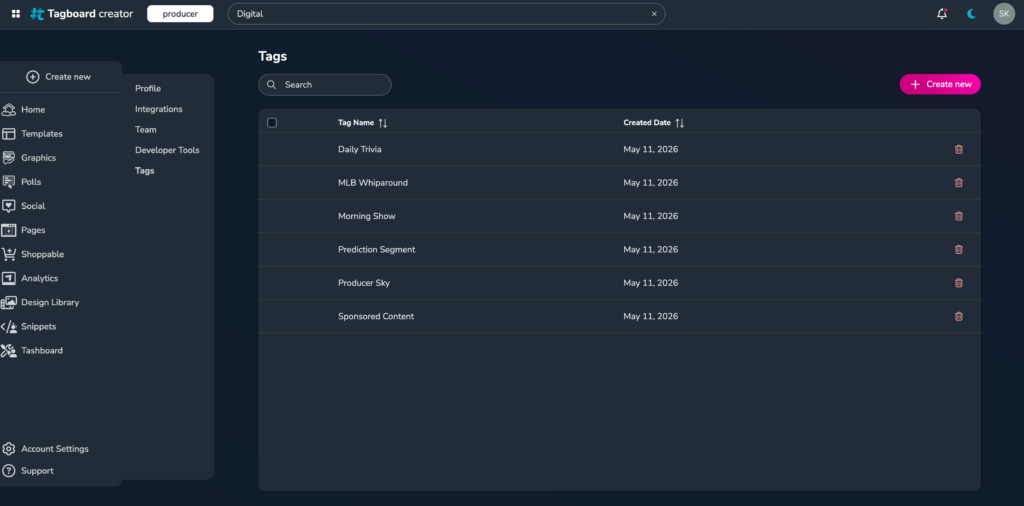
Tag Like a Pro
For way too long, managing tags meant juggling 11 different tag systems across 11 different types of assets. Graphics had tags. Polls had tags. Boards, Social Displays, Embeds, all had their own isolated tagging systems.
Not anymore. With unified tagging, you manage everything in one place.
And that changes everything about your workflow.
Build Your Tag System Once. Use It Everywhere.
With unified tags, what used to take hours now takes seconds. Tag an asset for “spring-game-2026” as a graphic, and that same tag applies to your polls, boards, and embeds. Need to add a “special-events” tag to all of them later? One bulk action. Done.
Instead of managing tags scattered across 11 different type systems, you manage them once.
Best Practice: Consistency Wins
Tag like you mean it. Here’s what that looks like:
- Use the same tags across types. If you tag a graphic with “world-cup-coverage,” tag your related poll and social displays the same way. Consistency means when you filter by “world-cup-coverage,” you see everything related to that show at once.
- Keep a tag vocabulary. Document your tagging system somewhere your team can see it. “Here’s how we tag by show. Here’s how we tag by producer. Here’s how we tag by type.” When everyone follows the same rules, search becomes a superpower.
- Reuse intelligently. Building a version of an asset for a new purpose? Instead of starting from scratch, find the original, duplicate it, retag it for the new context, and you’re done. One set of assets, infinite uses, one unified tag system to manage them.
Your Fastest Workflow Yet
With Global Search, you spend less time hunting for assets and more time creating. No friction between “I need this” and “I have it on screen.” No admin overhead managing fragmented tagging systems.
Whether you’re prepping for a big event, running a daily show, or managing content across multiple campaigns, you now have the search and tag system your workflow actually demands.
That’s what Tagboard does: build what creators actually need.
Ready to Search?
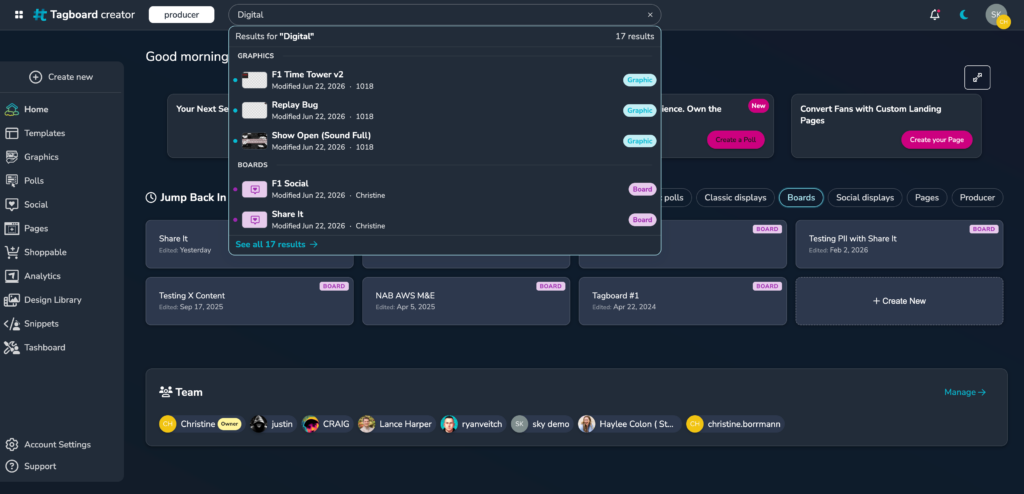
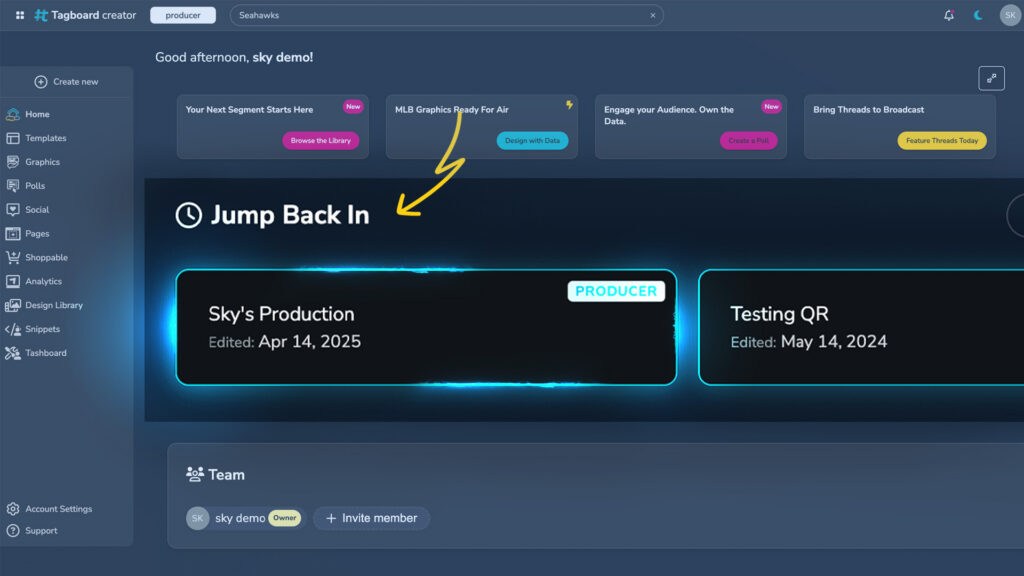
Global Search is live right now. Head to your Home page, click the search bar, and try it. Search for something you built last month. Search for a type. Search for a tag.
And if you haven’t been thinking about your asset naming and tagging system lately, now’s the perfect time to audit it. A little intentionality with naming and tags today means hours saved tomorrow.
Happy searching.